Company Profile Management
For Employers (Companies)
-
Company Profile Management:
-
Step 1: Access Your Company Profile
-
Log in to Skillmatch.tech with your registered company account.
-
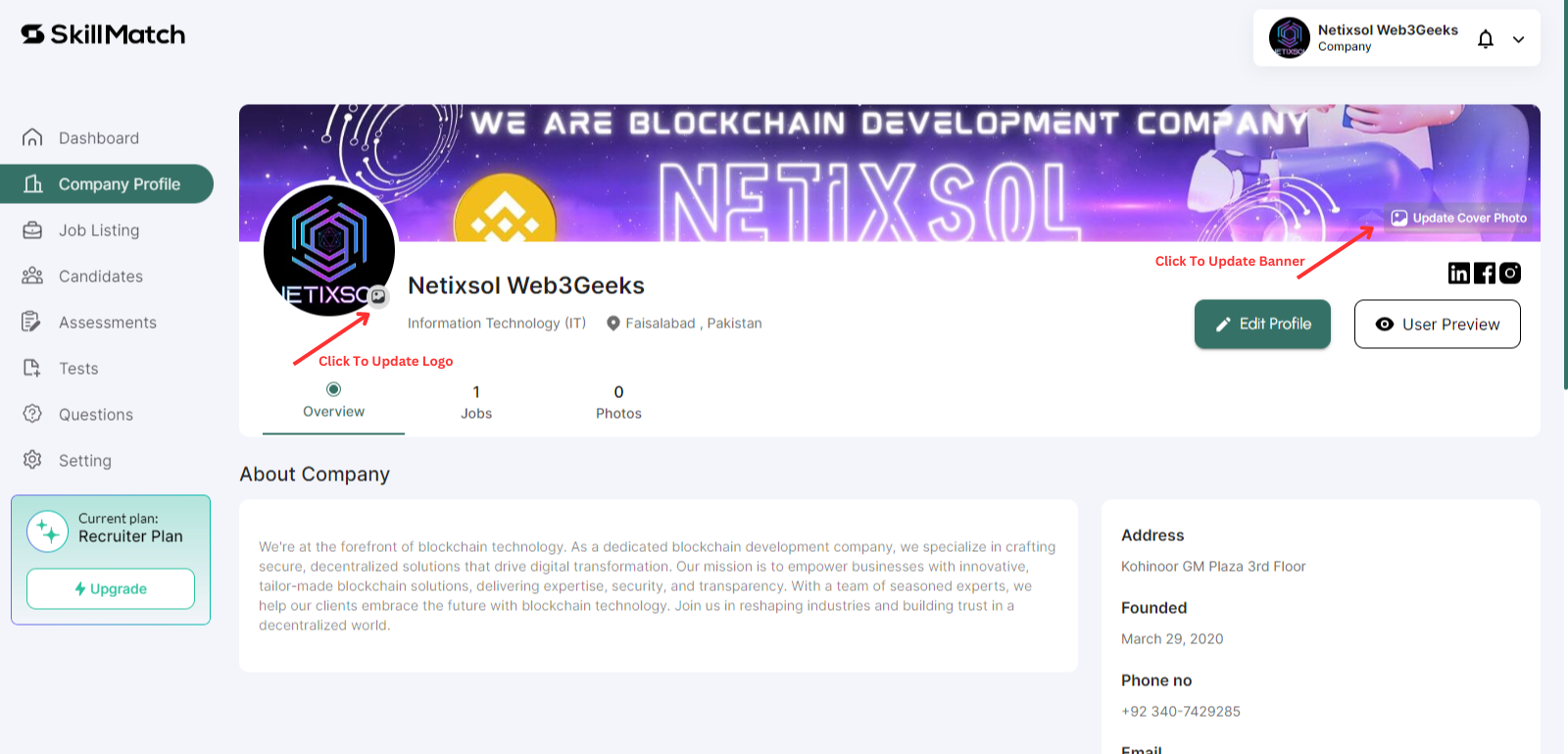
Navigate to the Company Profile tab in your dashboard.
-
Update the Company Logo and Banner.
-
Click on "Company Profile > Edit Profile" to add information about company.
-
-
Step 2: Edit Company Details
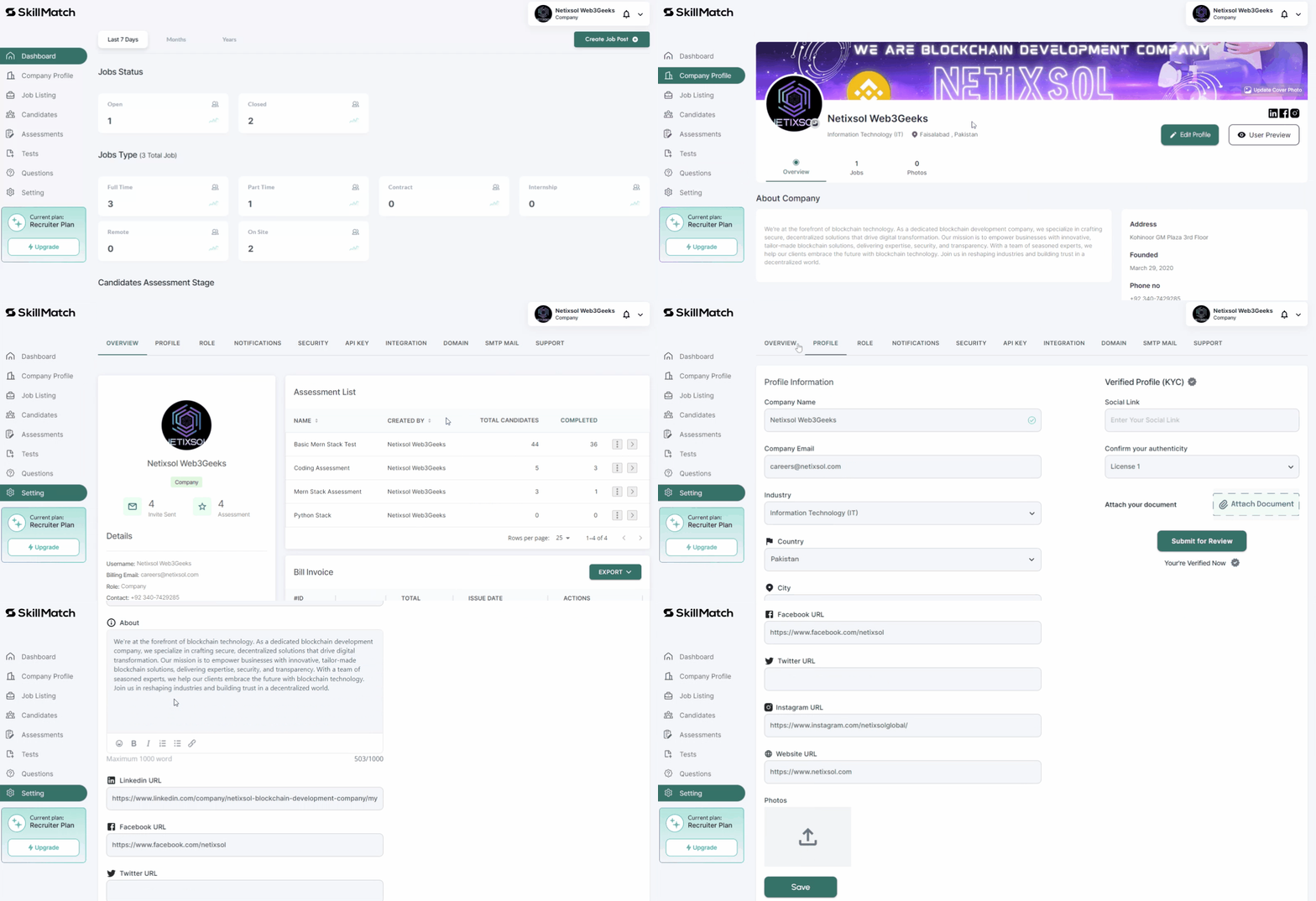
- Click on "Edit Profile" to start adding or updating company information.
- Enter the following details:
- Basic Information:
- Company name, industry, location, company size.
- Social Links:
- Links to company LinkedIn page, Twitter handle, or official website.
- Save Your Company Profile
- Review your information and click on "Save" to save changes.
- Basic Information:
-