Profile Management
For Candidates (Job Seekers)
-
Profile Creation
-
Step 1: Access Your Profile
- Log in to Skillmatch.tech with your registered account.
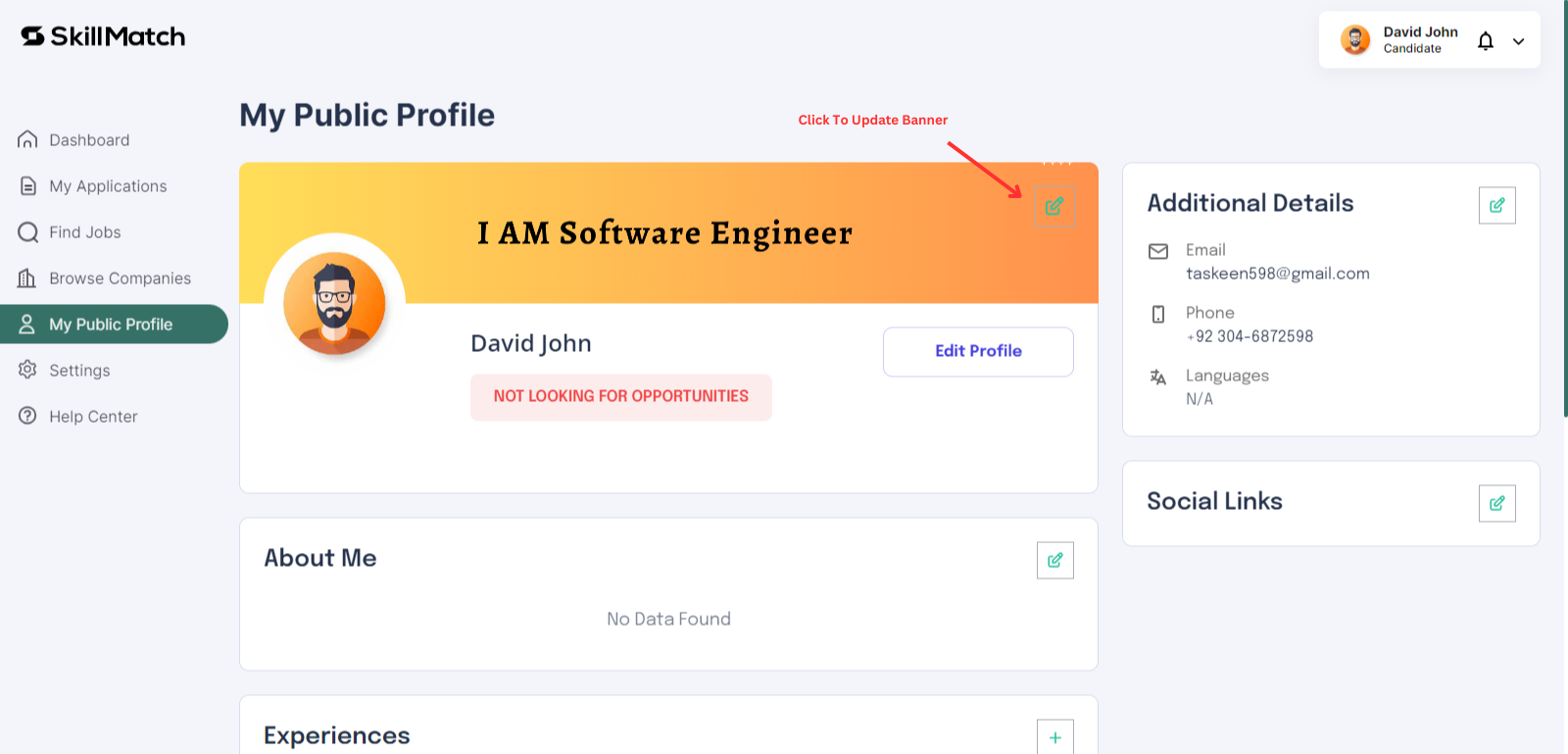
- Navigate to the My Public Profile tab in your dashboard.
- Update the Company Banner.
-
Step 2: Add Profile Details
- Click on "Edit Profile" to add your personal information.
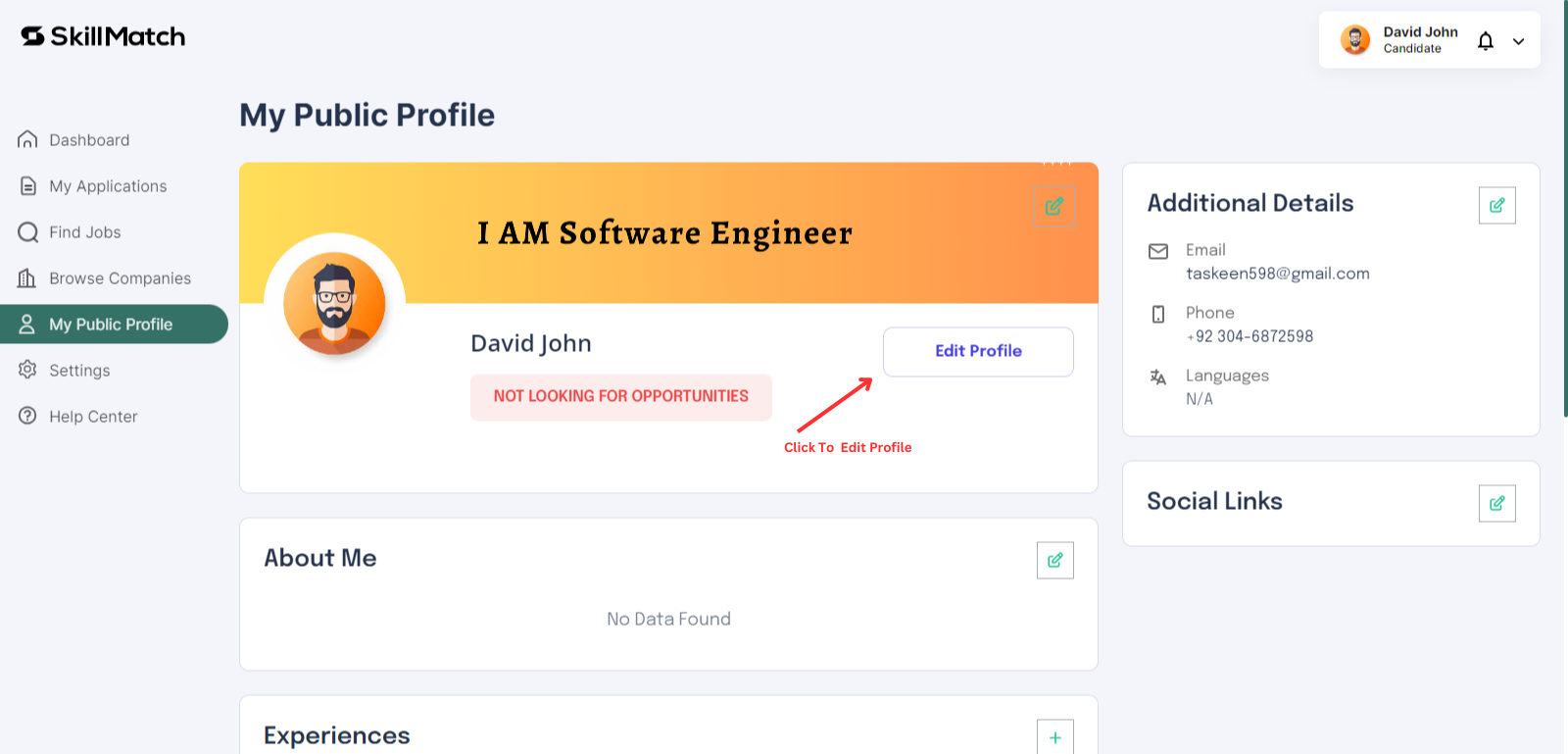
- Click on "Edit Profile" to add your personal information.
-
Step 3: Save Your Profile
- Then add "Personal Information" Review your information and click on "Save Profile" to save changes.
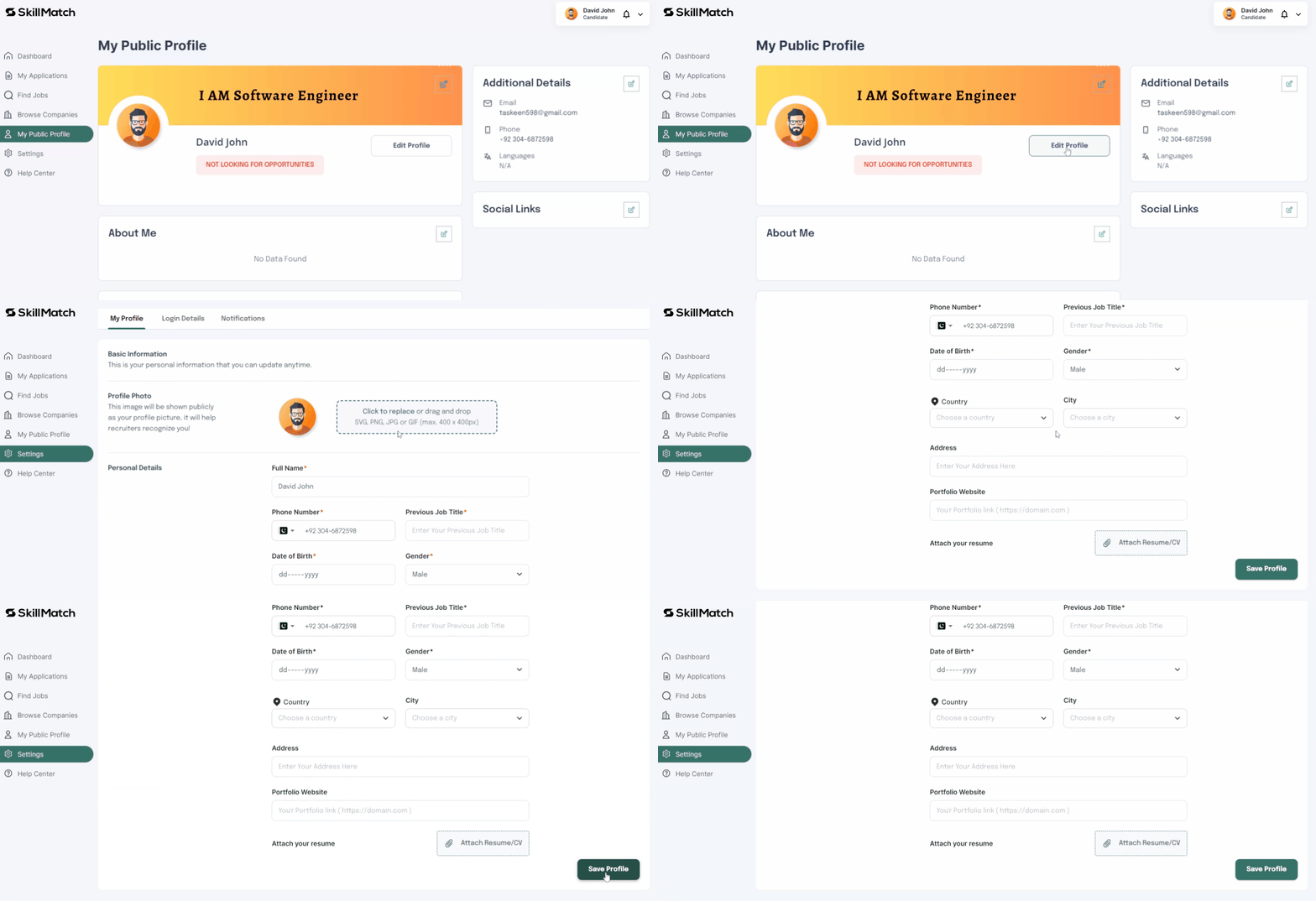
- Then add "Personal Information" Review your information and click on "Save Profile" to save changes.
-
Step 4: Add Professional Details
-
Adding Experience, Education, and Skills
- Click on "Add Experience" or "Add Education" to include new entries.
- Specify details such as job titles, company names, education institutions, and skills.
-
Managing Portfolio
- Upload new portfolio items or remove existing ones.
- Ensure your portfolio items are relevant and up to date.
-
Updating Social Links and Profile Picture/Banner
- Edit or remove social links as necessary.
- Change your profile picture or banner image to keep your profile fresh.
-
-